
Learns from pages and documents
Add a website URL or upload files — PDF, DOCX, TXT, MD, XLSX, or PPTX. After a rebuild, the chatbot answers from that knowledge, not from a generic script.
An AI chatbot that learns from your website and documents, then answers your visitors in a widget you can embed yourself.
Currently free, no credit card
 HolderChat
Answers from your own pages and documents, with a human handoff when needed.
Add a website URL or upload files — PDF, DOCX, TXT, MD, XLSX, or PPTX. After a rebuild, the chatbot answers from that knowledge, not from a generic script.
Install the HolderChat Connector plugin, open HolderChat → Setup, and click Create Chatbot. It syncs published pages and posts and starts the rebuild — no manual embed code.
If the chatbot cannot answer from its knowledge base, it can forward the question to your Telegram or Microsoft Teams support. Your team replies there, and the answer comes back in the chat.
EU-hosted (Hetzner, Helsinki)
Create your chatbot in three steps.
Sign up and create a chatbot. Add a website URL, upload documents, or use the WordPress plugin to sync published pages and posts.
HolderChat builds a knowledge base from what you added. Track progress in the dashboard and wait until the status is Active.
Paste a script or iframe snippet from Widget Appearance onto any website, or let the Connector plugin embed the widget on WordPress for you.
How to add a HolderChat chatbot to your website, and what it should answer from day one.
Guide
Add an AI chatbot to your website with an official script or iframe snippet.
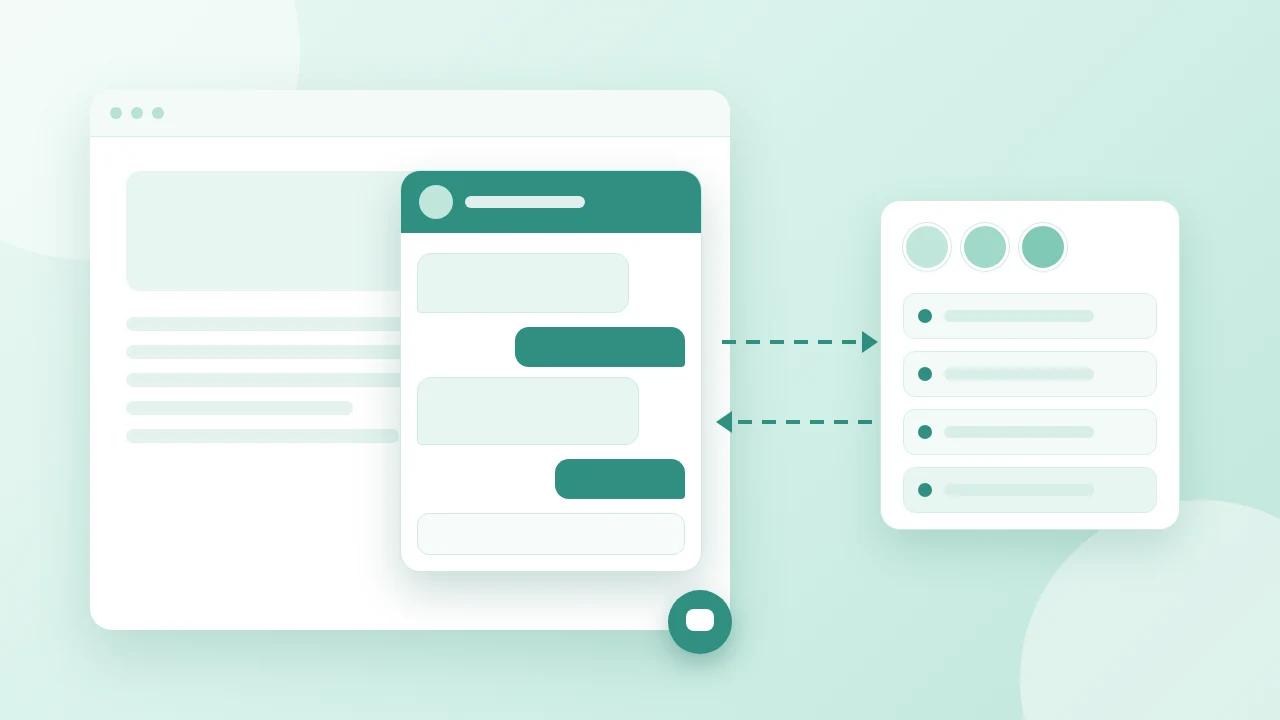
Guide
Answers from your own pages and documents, plus a human handoff to Telegram or Microsoft Teams.
Blog
The handful of questions visitors ask every week, and where each answer comes from in HolderChat.
Currently free, no credit card. Start from the dashboard and have a bot ready after the first rebuild.
Try it freeHow do I add HolderChat to my website?
Add the official script from Get Widget Code, or install the HolderChat Connector on WordPress.
What does it learn from?
Your website pages and uploaded documents, such as PDF or DOCX. After a rebuild, it answers from that knowledge.
Is it free?
Yes. HolderChat is currently free, and you can start without a credit card.